
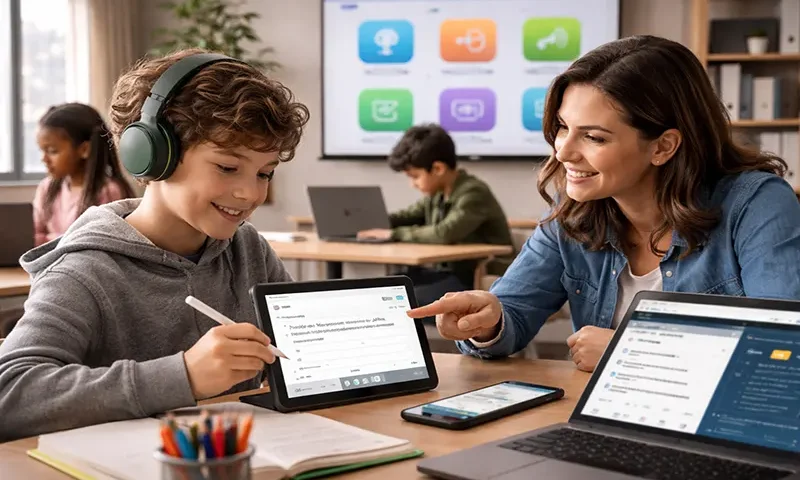
For students navigating the learning environment with dyslexia (reading difficulties) and dysgraphia (writing difficulties), traditional academic methods can be frustrating and exhausting. These differences can create significant barriers to expressing knowledge and processing information. Fortunately, modern assistive technology (AT) apps act as transformative tools, effectively leveling the playing field by promoting independence, fostering academic success, and rebuilding crucial self-confidence.
Empowering Dyslexic Readers
For students who struggle with decoding and reading fluency, AT provides an auditory pathway to content. Text-to-Speech (TTS) Readers are essential, converting any digital text—from articles and PDFs to emails—into clear, synthesized speech. Apps like Speechify or the accessibility features built into operating systems (like Microsoft’s Immersive Reader) often feature synchronized highlighting, allowing the student to follow the text visually while listening, which greatly aids comprehension and reduces reading fatigue. Furthermore, specialized platforms like Bookshare provide access to an enormous library of titles in accessible digital formats, bypassing the struggle of decoding altogether and allowing students to focus on the information itself. Other tools and browser extensions can customize the reading experience by offering dyslexia-friendly fonts (like OpenDyslexic) and adjustable spacing to reduce visual stress.
Overcoming Dysgraphic Writing Challenges
Dysgraphia can turn the simple act of putting thoughts onto paper into a monumental task, due to challenges with handwriting, motor planning, and spelling. Speech-to-Text (STT) or Voice Recognition apps are a game-changer here. Tools like Google Docs Voice Typing, Dragon NaturallySpeaking, or even the built-in dictation on mobile devices allow students to articulate their ideas aloud, bypassing the physical barrier of writing. This frees up cognitive energy, enabling the student to focus on organization and content development rather than mechanics. To further refine the writing process, apps with robust Word Prediction and Contextual AutoCorrect, like Ghotit or Co:Writer, help reduce the burden of spelling complex words and correct grammatical errors that standard spell-checkers miss. Finally, for pre-writing, Graphic Organizers and Mind Mapping Apps (like MindMeister or Coggle) help students visually structure and plan essays or reports, mitigating organizational difficulties.
Integrated Solutions and Best Practices
Today, many widely used productivity platforms like Google Workspace and Microsoft 365 integrate powerful, native TTS, STT, and accessibility features, making them readily available in most school settings. While the technology is powerful, the “best” tool is always individual, and finding the perfect fit requires trial and error and consistent practice. The most crucial factor for success is ensuring students receive proper training and support on how to use these apps effectively as part of their daily workflow.
These AT apps are not a crutch; they are necessary tools that remove neurological obstacles, transforming struggle into independence. By embracing these technologies, educators and parents empower students with dyslexia and dysgraphia to unlock their academic potential, foster self-confidence, and develop a lifelong engagement with learning.

